
|
https://ift.tt/3iAY2TC
How to Create YouTube Videos that Get Views, Subscribers & Traffic https://ift.tt/2PZkQQJ Over 2 billion people use YouTube every month. And they watch 5 billion videos every single day. It is a great platform for anyone who wants to build a presence with video. But the competition on this network is immense. People here upload 500 hours of video every minute. If you randomly publish videos and hope for the best, you won’t generate enough views, subscribers or website traffic. To get stellar results you need to optimize each video you publish on this network. So, I am going to show you how to grow your YouTube channel by creating the right videos below… Conduct a lot of research:To remove the guesswork out of creating videos that get views, you should conduct a lot of research. The research will help you see what types of videos get the most views. Start by just searching for keywords related to your topic. YouTube will then find relevant videos that get the most views. This will give you a good idea on what topics and ideas rank high on YouTube and the types of videos people like to watch. You can also analyze each of these videos with a tool like Social Animal to see which videos are doing well on social media. 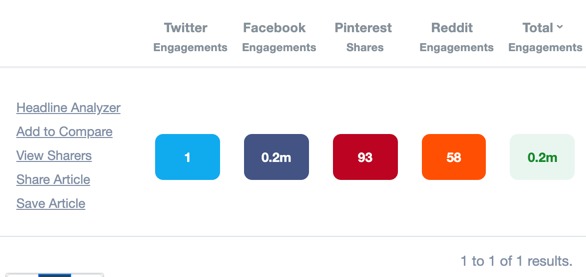
This research will help you find ideas that do well on both social media and YouTube search. While doing the research, pay attention to the other important aspects such as the length of the video, the comments people are leaving, the number of likes and dislikes the videos are getting, etc. Have a video content funnel in place:In order to get views, subscribers, and traffic, you need to understand how they all work together. This is what I like to call the YouTube video content funnel. People watch your videos. If they like it they will either subscribe to your channel or they will visit your website, depending on the call to action you stress upon. They might take another action such as commenting on the video or liking/disliking it or sharing it on social media depending on how you optimize your video. So, now you understand that in order to generate more subscribers and traffic from YouTube, you need to first optimize your videos for these purposes and then work on getting views. You don’t focus on other goals as they will distract people from subscribing to your channel or visiting the links to landing pages you share. This is how the funnel will work. Once you know this reaching the end result will be a lot easier. Creating a funnel such as this can seem complicated, but there are several easy to use online video editors that can simplify this process. Optimize videos for views:After you create your videos based on what’s driving the most views, you can publish them on YouTube. When you are publishing your videos on YouTube, you should optimize them for driving the most views. One way to do this is by using keywords. YouTube is usually considered to be a social network. But it is actually a cross between a search engine and a social network. People come here to look up videos and watch them. This is why you should optimize your videos by adding keywords to title, description, and tags. Like this video from Tasty. 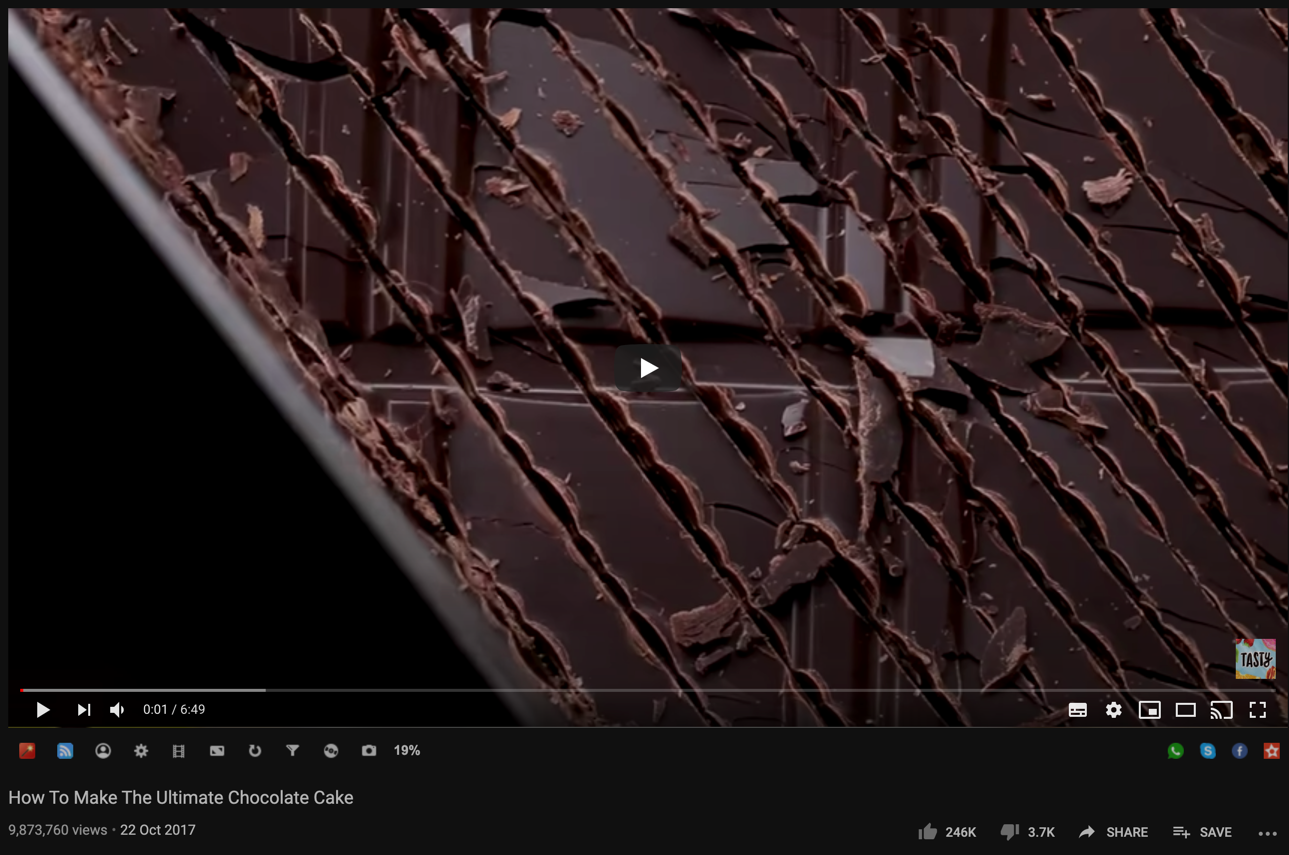
You will find the keyword ‘chocolate cake’ has been added to all 3 places. Use the research from the 1st step for this. Optimize channels with visuals:YouTube is primarily about videos, but you can optimize them with visuals such as thumbnails, watermarks, end cards, and banner images. Thumbnails can be used to drive more views as they appear on top of the video in the results. An example is this one from the Global Triathlon Network. 
Watermarks can be used to get more subscribers. End cards can be used to get more subscribers, views, and traffic. As you can add individual video links, links to playlists, the subscribe icon and links to your website to end cards. An example is the below one from Manchester United. 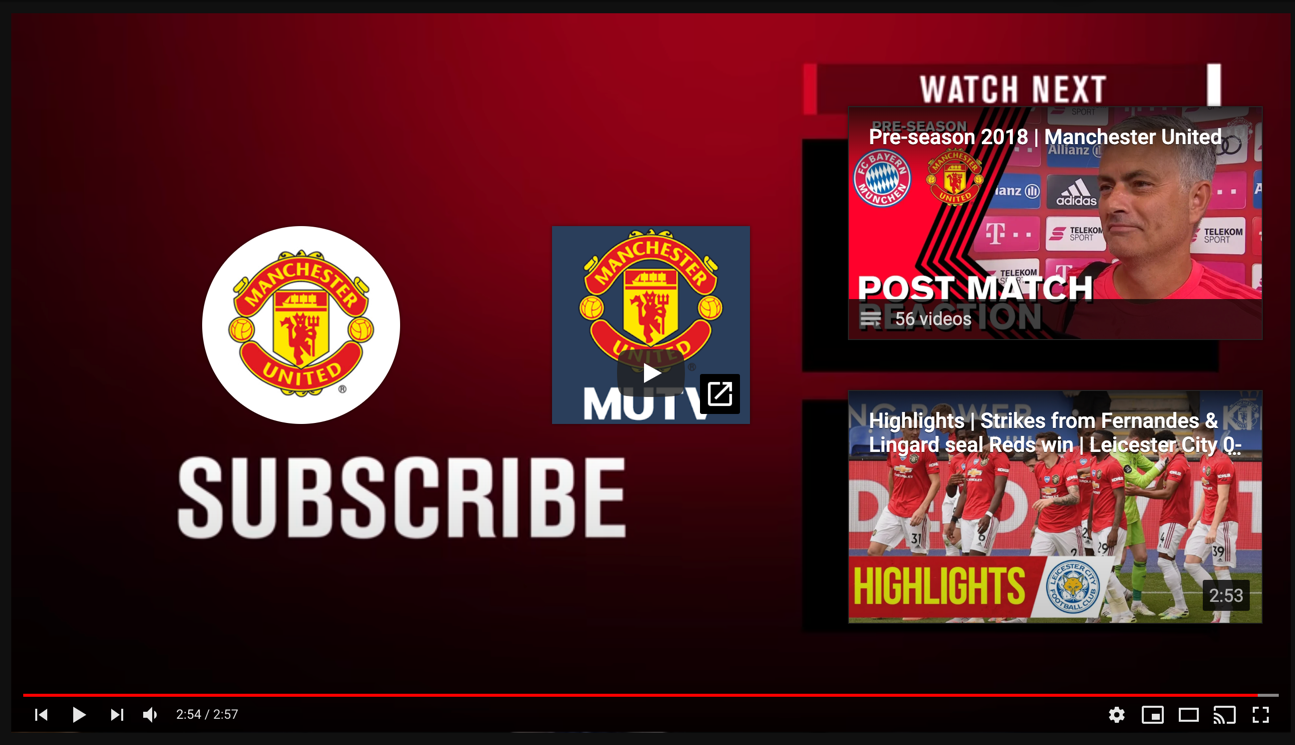
Banner images can be used to generate subscribers and views. All these visuals are easy to create. For watermark, you can simply use a logo or an image with ‘Subscribe’ on it. While for the rest you can use a template. Most photo editors come with templates. You can simply pick a template, then optimize them with a still or 2 from the video and then add in some text and add them to the video. If you find the stills from the video too big, you can use a background remover to get rid of the unimportant bits. This will make it easy to brand your images with the right elements. Use calls to action:The link and subscribe button you place in the end card will be a call to action. But that won’t be sufficient. As some people might miss it. You need to drive viewers’ attention to it by telling them to click the link or the subscribe button in the end card and take the desired step. Another great place to add links in the description. Make sure you place the link right at the top. Promote videos:Once you create the videos and have a funnel in place and you know that views will convert to subscribers and traffic, you can begin promoting the videos. The initial views will help you both in the short term and long term. In the short term, they will have the direct benefit of helping you generate subscribers and traffic. While in the longterm they will help you rank as views are a ranking factor that YouTube takes into consideration while ranking videos as found by this study. 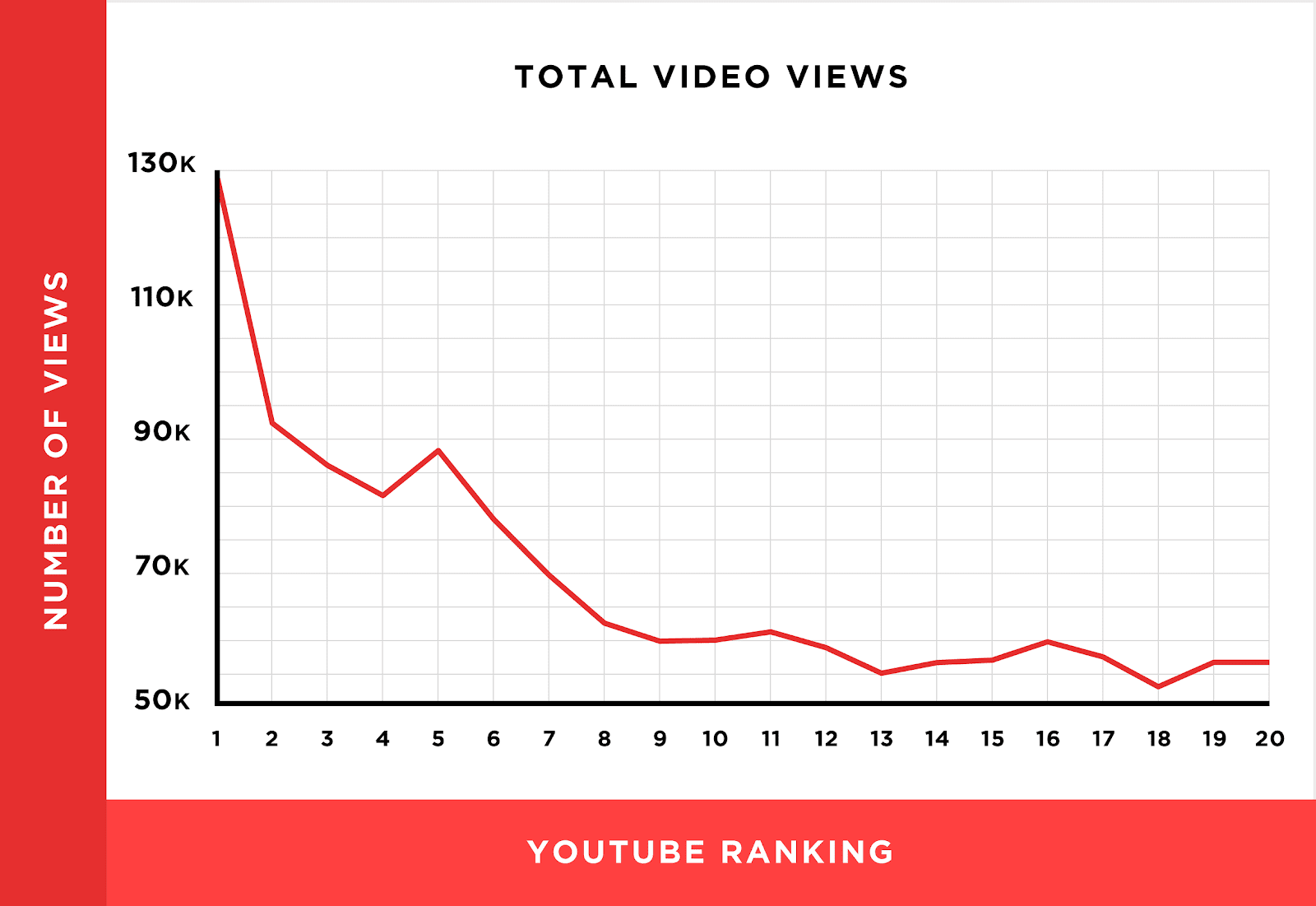
You can use a multitude of tactics from sharing them on social media to influencer outreach to advertising to generate more views. Conclusion:This is how you generate views, subscribers, and traffic on YouTube. Begin implementing the tactics today. The post How to Create YouTube Videos that Get Views, Subscribers & Traffic appeared first on Social Media Explorer. Social Media via Social Media Explorer https://ift.tt/2onGYog August 12, 2020 at 11:31AM
0 Comments
Leave a Reply. |
Amazing WeightLoss Categories
All
Archives
November 2020
|
 RSS Feed
